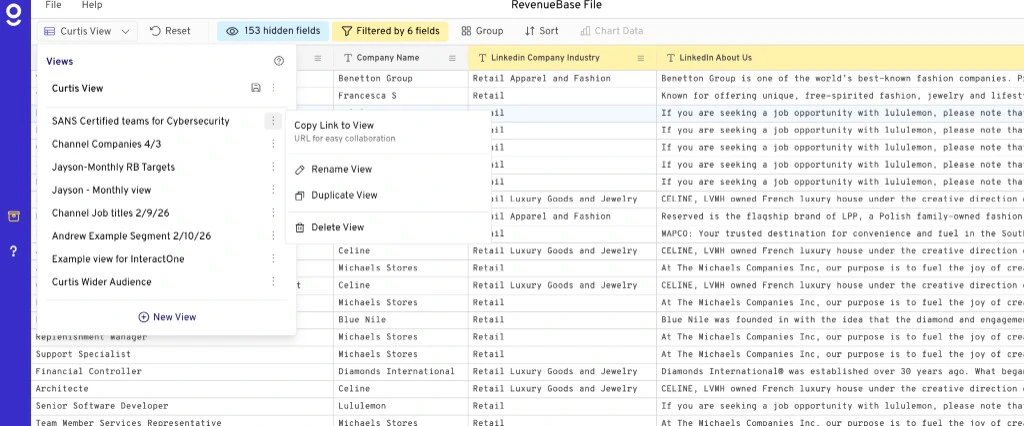
Save filter and grouping logic as views so you can return to the same segment later without reapplying steps.
Creating and managing saved views
When you create a filter you want to save and return to later, click View and then Add New View.
Saved views are dynamic — they automatically update every month when the database is refreshed with new data. Any time you click into your view, it will reflect all the filters and logic you added, including any group functions or columns you configured.
How to save a view
- Open your RevenueBase sheet in Gigasheet (people + company or enhanced view).
- Use the search bar and Filter to narrow to the contacts or companies you want.
- Save the current view (e.g. Save view, Save as view, or your organization’s equivalent in Gigasheet).
- Name the view so you can find it later. You can return to it anytime without reapplying filters.
Saved views are useful for recurring segments, reporting, or quick access to the same slice of data for Exporting CSVs, Exporting to HubSpot, or enriching your data with RevenueBase data.
Video walkthrough
Sharing & managing views
- You can share views with other Gigasheet users on your team.
- To duplicate, update, or manage a view, use the three-dot menu (⋯) next to the view name.