

Video walkthrough
How to export
- In Gigasheet, apply any search or Filter to get the rows you want.
- Use File → Export or the export option in the toolbar.
- Choose format (e.g., CSV) and optionally which columns to include.
- Download the file or send it to a connected destination, depending on Gigasheet’s options.
Exporting to HubSpot
Prerequisites
- RevenueBase data loaded in Gigasheet (people + organizations or enhanced view).
- A HubSpot account and access to create or update contacts and companies.
How to save data to HubSpot
- Filter and select the rows or leave unfiltered to export the current view.
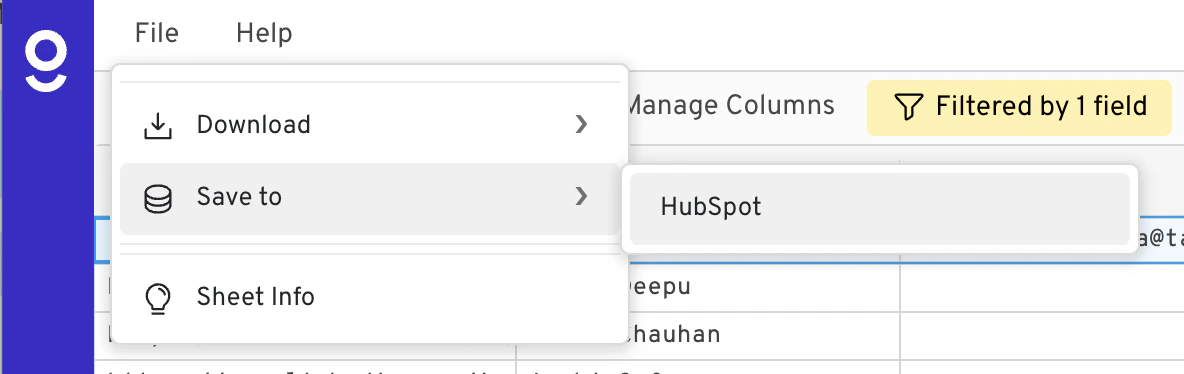
- Click File → Save to → HubSpot in the toolbar.
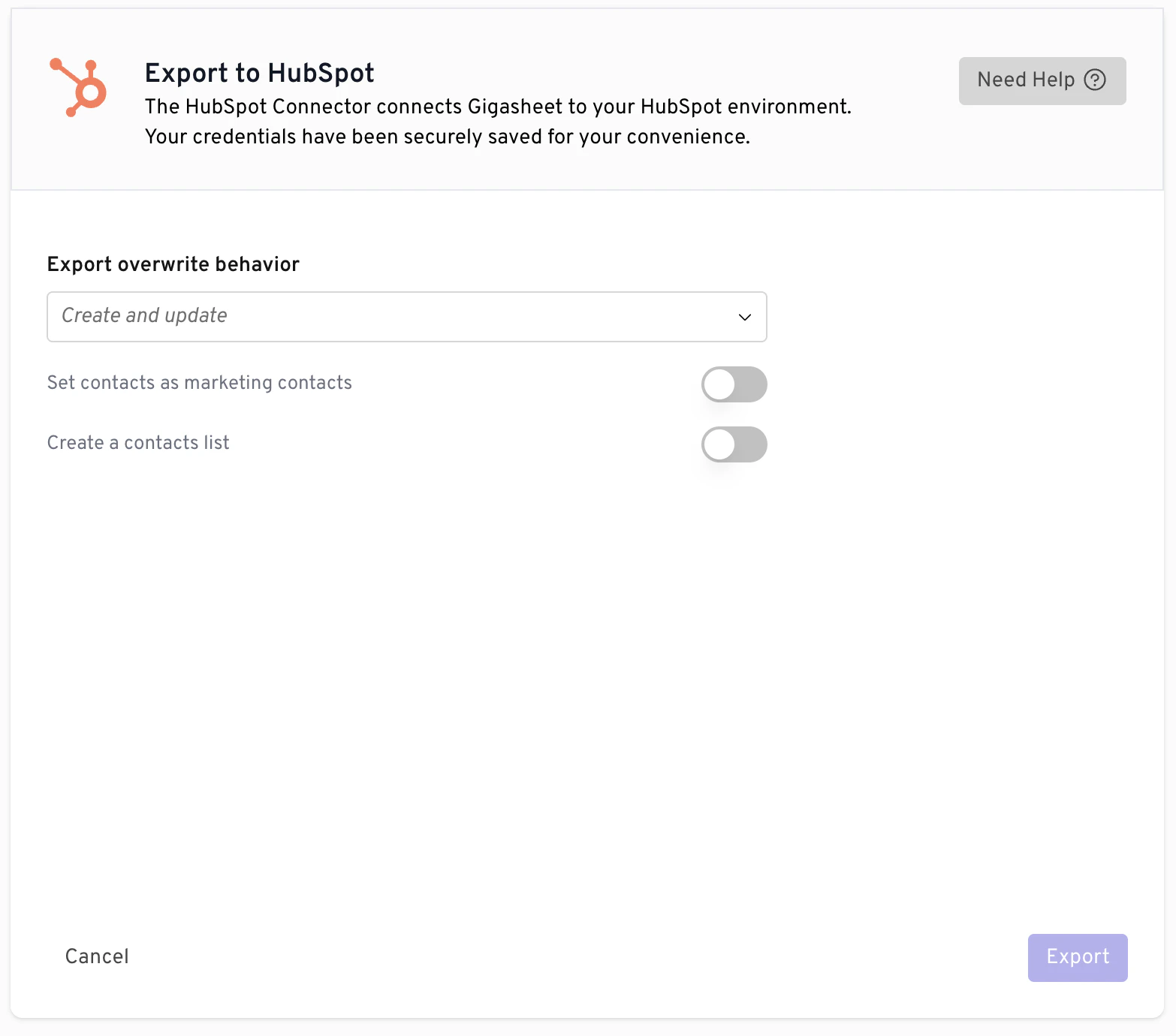
- Choose your export behavior settings and click Export.
How to automate data exports to HubSpot
- Click Library on the left sidebar, then select Data Connectors under Other.
- Select HubSpot as the destination and follow the prompts to connect your HubSpot account.
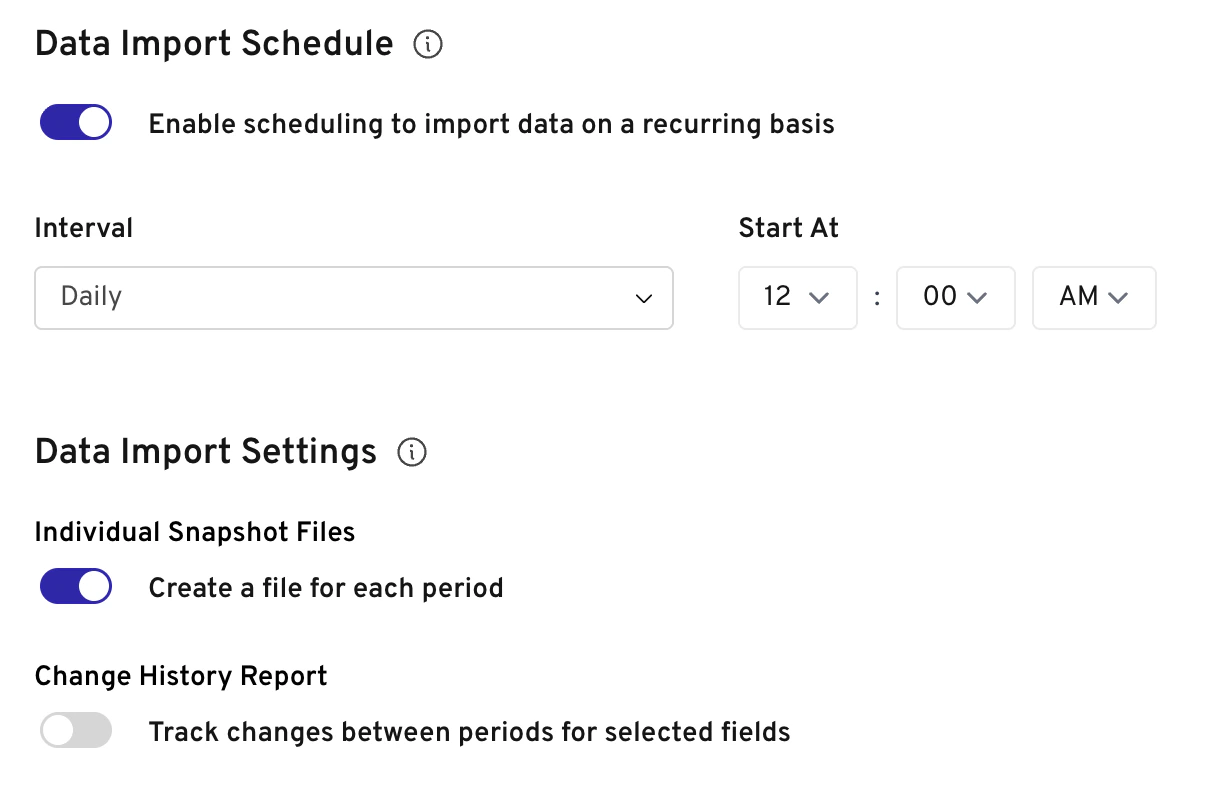
- Once connected, you can set up automated exports by configuring the automation settings.
If your Gigasheet instance uses a different path for HubSpot (e.g., a custom integration or CSV upload into HubSpot), follow the steps provided in Gigasheet or by your admin. Contact support if you don’t see a HubSpot export option.