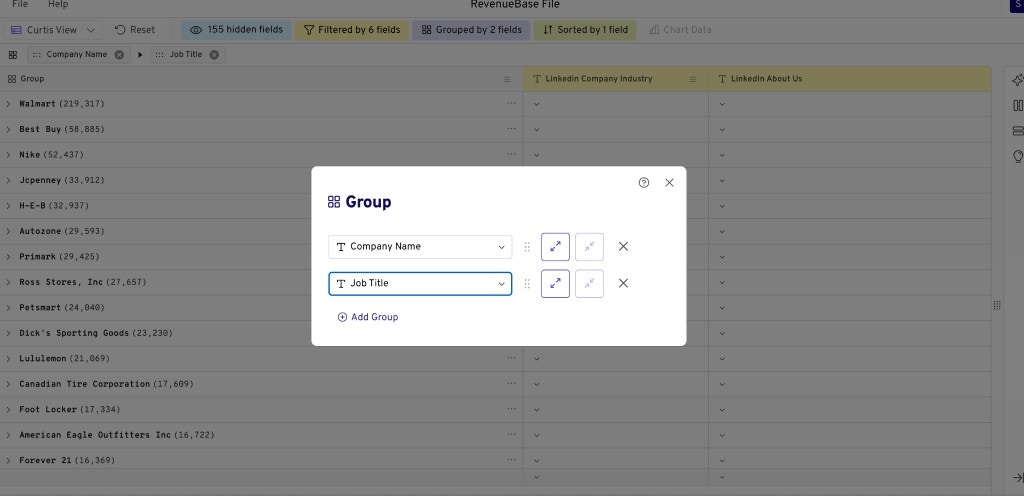
Why grouping matters
Gigasheet defaults to showing people-level records. But sometimes you need to see people rolled up to the company level — for example, to count how many matching contacts exist at each company, or to prioritize accounts.How to group
1
Apply filters (optional)
Apply any filters you need so the grouped view shows only the audience you care about.
2
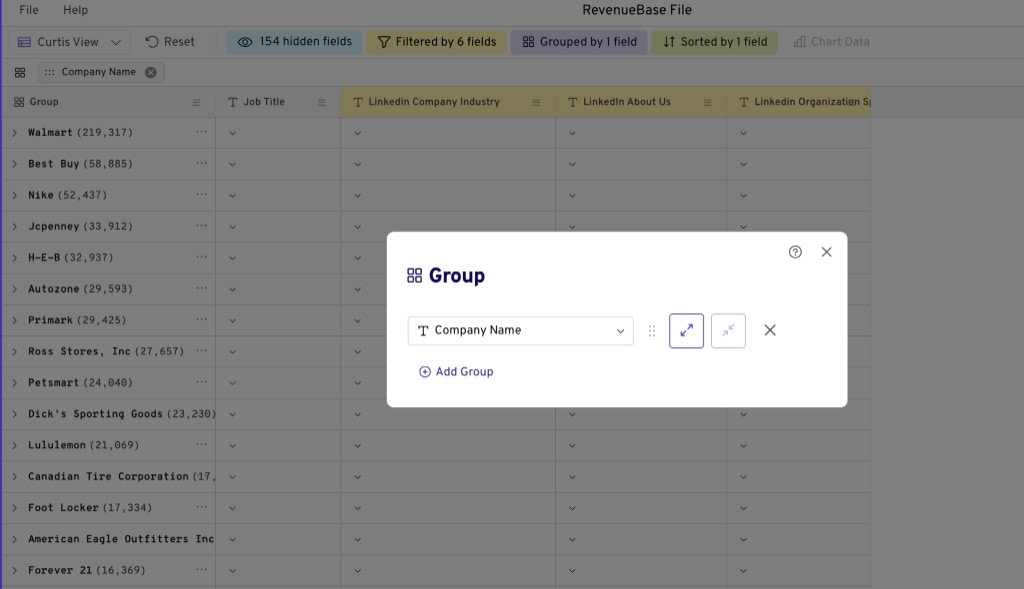
Open Group and choose Company Name
Click the Group button (next to the Filter button) and select Company Name to aggregate your results at a company level.
Nested groups for territory planning, account prioritization & personalization at scale
You can use nested groups to layer your analysis. For example, if you want to know which retail companies have the biggest e-commerce teams:1
Run your filter query
Find the relevant audience (e.g., retail and e-commerce companies in North America and Europe, with revenue and job title filters).
2
Group by company and nest by department
Group by Company Name and add a nested level (e.g., e-commerce department) to see department size at every company and prioritize accordingly.